
Important: IPTV is a technology for delivering television through an internet connection. Always use legitimate apps, services, and content sources that respect copyright, licensing rules, and platform terms.
IPTV Subscription Safety Checklist: How to Choose a Trustworthy Service
Choosing an IPTV subscription can feel risky when many websites use similar promises. Some focus on huge channel numbers, extremely low prices, or guaranteed perfection. A trustworthy IPTV UK service should be clearer than that. It should explain what users need, which devices are supported, how setup works, what policies apply, and what support is available.
This safety checklist helps you compare IPTV services more carefully before paying for a plan.
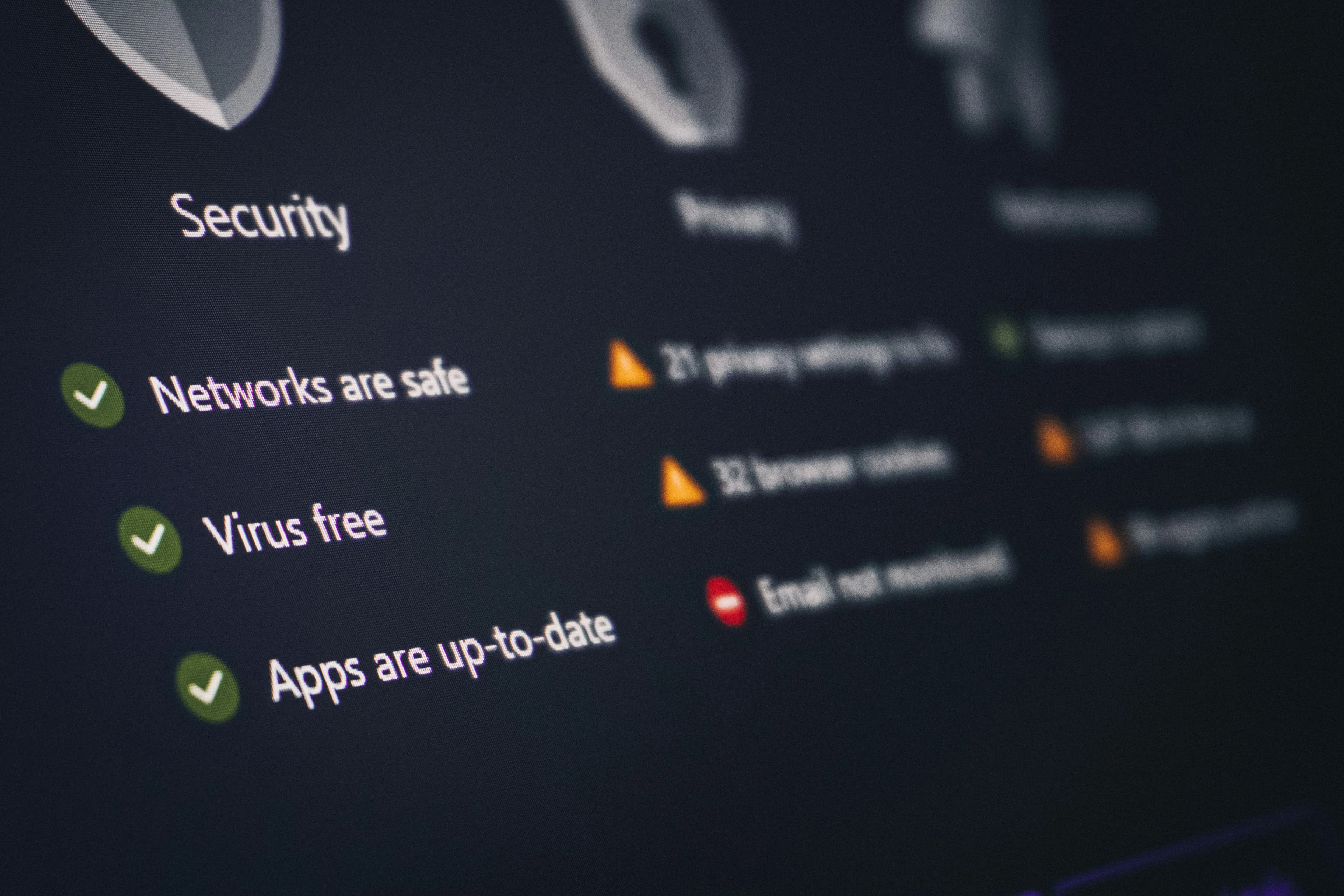
1. Check Website Transparency
A trustworthy website should make it easy to understand the service. Look for clear pages such as pricing, features, contact, privacy policy, terms, content policy, setup guides, and FAQs. These pages do not guarantee quality, but they show that the business is trying to communicate properly.
If a website hides basic information, makes unclear claims, or gives no support details, be careful.
2. Avoid Unrealistic Promises
No IPTV service can honestly promise perfect performance forever. Streaming quality can depend on your internet, device, app, router, and peak-time demand. Be cautious with claims like zero buffering guaranteed, all channels always in 4K, or everything in the world included.
A reliable service should explain benefits clearly but also stay realistic. Honest wording is better for user trust and long-term SEO.
3. Confirm Device Support
Before buying, check whether the service supports your device. Firestick, Smart TV, Android TV, iPhone, iPad, and web viewing can require different apps or setup steps.
If you use Firestick, read How to Set Up IPTV on Firestick. If you use iOS devices, read IPTV on iPhone and iPad.
4. Compare Features, Not Only Price
Cheap pricing can be attractive, but the cheapest option is not always the safest or best value. Compare reliability, EPG, favourites, HD and 4K support, sports categories, support quality, and setup instructions.
Our Top 15 Must-Have IPTV Features guide explains which features matter most.
5. Check Support Availability
Good support is important, especially for new users. If you have login problems, buffering, app issues, or device setup questions, you need a way to get help.
A service that offers clear setup guides and responsive support is usually better than one that only has a payment button.
6. Review Payment Clarity
Before paying, make sure the price, duration, included features, and renewal terms are clear. You should understand what you are buying before you pay.
If there are multiple plans, compare them carefully. Visit the Pricing page to understand available options and choose based on your needs.
7. Look for Legal and Policy Pages
Privacy, terms, refund information, and content policy pages help users understand how the website operates. They also support trust. A website with no legal pages can feel incomplete or risky.
These pages should be original, readable, and honest. They should not copy large blocks from competitors.
8. Test Your Own Setup
Even a good IPTV service can perform poorly on weak Wi-Fi or an old device. Before blaming the provider, test your internet, device storage, and app updates. For speed advice, read What Internet Speed Do You Need for IPTV?.
9. Understand Account Limits
Some plans may allow only one device or one connection at a time. Others may support multiple devices. Make sure you understand limits before using the account across different rooms or while travelling.
If you travel often, read IPTV for Travel and Holidays.
10. Trust Clear Communication
The safest services are usually the clearest. They explain what they offer, how setup works, what devices are supported, and how to get help. They do not rely only on hype.
Want a cleaner IPTV UK setup? Visit our Pricing page to compare plans and choose an option that fits your device, picture quality, and viewing habits.
Final Thoughts
Choosing an IPTV subscription is easier when you use a safety checklist. Focus on transparency, realistic claims, device support, clear pricing, useful features, support, and responsible use.
Do not choose only based on the biggest channel number or lowest price. Choose the service that gives you the clearest information and the best fit for your viewing habits.
Frequently Asked Questions
How do I know if an IPTV service is trustworthy?
Look for clear pricing, setup guides, support, policies, realistic claims, and device compatibility.
Should I choose the cheapest IPTV plan?
Not always. Reliability, support, and features can matter more than the lowest price.
Why are legal pages important?
They help users understand terms, privacy, content rules, and business transparency.
What should I check before buying?
Check device support, features, pricing, account limits, support, and internet requirements.
What should I read next?
Read How to Find the Best IPTV UK Service, Top 15 Must-Have IPTV Features, and The Ultimate IPTV UK Guide.