
Important: IPTV simply means television delivered over an internet connection. Always choose services and apps that respect copyright, licensing rules, and the terms of the content providers you use.
The Ultimate IPTV UK Guide: Everything Beginners Should Know
IPTV has become a major topic for UK viewers who want flexible access to live TV, sports, movies, and entertainment through internet-connected devices. But beginners often face the same questions: What is IPTV? How does it work? Which devices support it? What internet speed do I need? How do I choose a reliable service? And what should I avoid?
This ultimate IPTV UK guide brings the key answers together in one place and links to deeper guides across the Urstream blog.
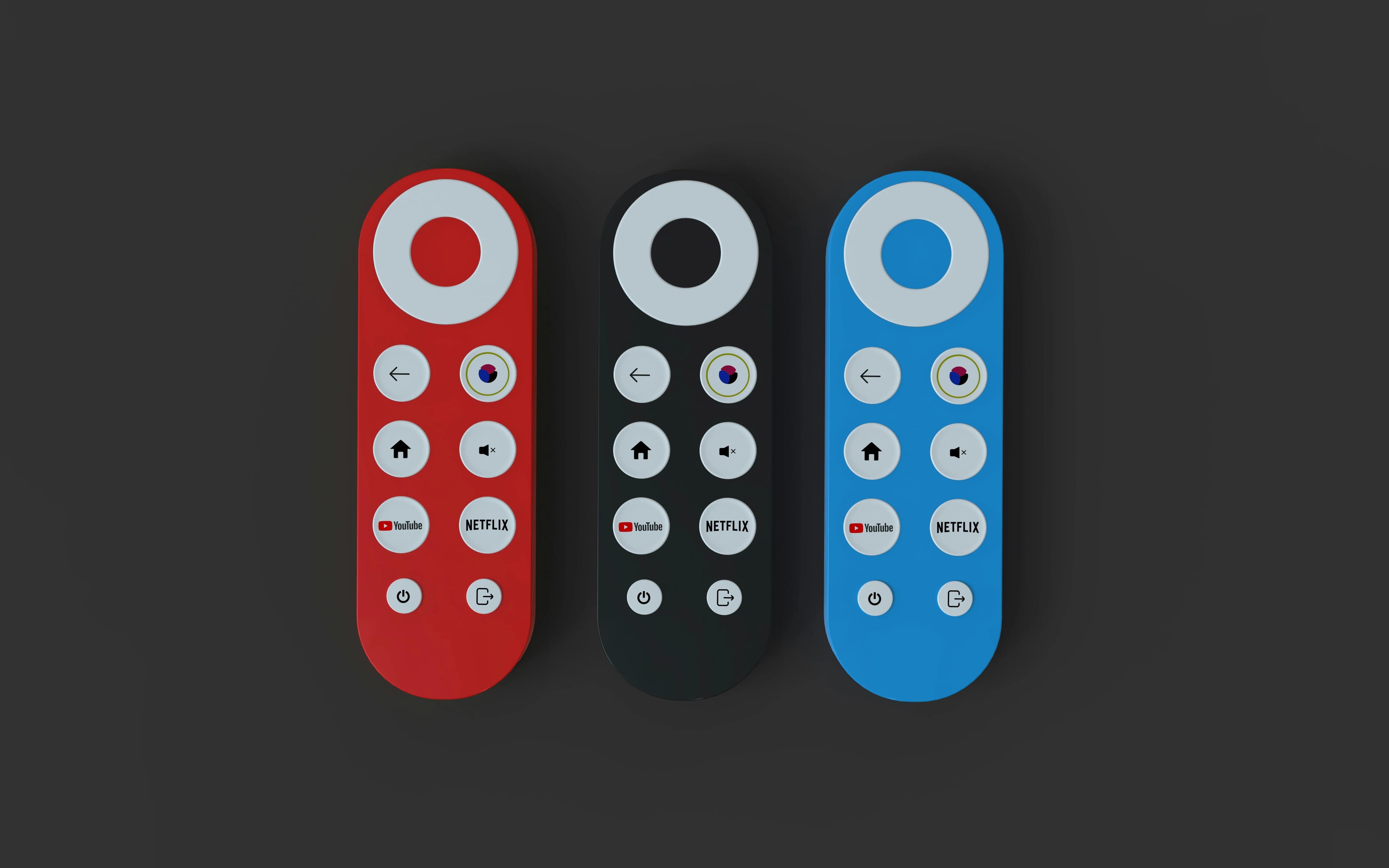
What Is IPTV?
IPTV stands for Internet Protocol Television. It delivers television content over an internet connection instead of traditional cable, satellite, or aerial broadcast. In practical terms, users access content through an app, player, or supported device.
IPTV can include live TV, on-demand content, sports, entertainment, movies, and programme guides depending on the service and the content rights involved.
How IPTV Works
Most IPTV setups include three parts: a streaming device, an IPTV player app, and service access details. The device could be Firestick, Smart TV, Android TV, mobile, tablet, or computer. The app displays the interface. The service supplies the content access.
This is why users should understand the difference between an app and a service. The app is usually just the player. The service determines what content and features are available.
Popular IPTV Devices in the UK
Firestick is popular because it is affordable and simple. Smart TV apps are convenient because they do not require extra hardware. Android TV boxes can be flexible. Mobile and tablet viewing can be useful for users who want access away from the main TV.
If you are starting with Firestick, read How to Set Up IPTV on Firestick. If you use a television app, read Best IPTV Apps for Smart TV.
IPTV for Sports
Sports is one of the biggest reasons users compare IPTV services. Live events require stability, fast channel loading, and good picture quality. A service that works for movies may still struggle during major matches if it lacks capacity.
Sports viewers should read Best IPTV UK for Sports before choosing a plan.
IPTV Picture Quality
Picture quality can range from SD to HD, Full HD, and 4K. The best quality depends on the stream, device, TV, app, and internet connection. Do not focus only on 4K claims. A stable HD stream can be better than an unstable 4K stream.
Read The Complete Guide to 4K IPTV if picture quality is important to you.
IPTV vs Traditional TV
Traditional TV is familiar and often tied to cable, satellite, or broadcast signals. IPTV is internet-based and often more flexible across devices. The best option depends on your household, internet connection, and viewing habits.
For a full comparison, read IPTV vs Traditional TV.
Features That Matter
Important IPTV features include reliable live TV, organized categories, EPG, favourites, search, device support, HD and 4K quality, catch-up where available, support, and transparent pricing.
Read Top 15 Must-Have IPTV Features for a detailed feature checklist.
How to Choose a Reliable IPTV UK Service
Start with your real needs. Do you watch sports? Do you need 4K? Which device do you use? Do you need support? Then compare services by reliability, device compatibility, picture quality, pricing transparency, and setup help.
Avoid unrealistic promises. Choose clear communication and trustworthy support.
Read How to Find the Best IPTV UK Service for a full buying guide.
Common IPTV Problems
Buffering, freezing, missing EPG, login errors, audio delay, and app crashes are common. Most issues can be diagnosed by checking internet, device, app, and provider details.
Read IPTV Troubleshooting Guide for step-by-step help.
SEO and User Trust for IPTV Websites
For users, a trustworthy IPTV website should include clear pricing, helpful guides, legal pages, privacy policy, terms, content policy, contact options, and honest descriptions. For search engines, helpful content and clean structure matter more than keyword stuffing.
A good IPTV website should answer real questions and guide users responsibly.
Building Your IPTV Setup
A strong setup includes a stable broadband connection, a compatible device, an updated app, organized favourites, and a service that matches your needs. Keep your device clean, update apps, and avoid installing unnecessary tools.
Final Checklist
Before choosing a service, ask:
- Does it support my device?
- Does it offer the categories I want?
- Is it stable for live TV and sports?
- Is picture quality clear?
- Is pricing transparent?
- Is support available?
- Are setup guides provided?
- Are legal and privacy pages visible?
Ready to compare plans? Explore our IPTV UK pricing to find a package built for live TV, sports, movies, and everyday entertainment.
Final Thoughts
IPTV can be a flexible and modern way to watch live TV and entertainment, but the best experience depends on choosing carefully. Focus on reliability, clear setup, device compatibility, support, and responsible use.
Use this guide as your starting point, then explore the detailed Urstream articles linked throughout this page.
Frequently Asked Questions
What is IPTV UK?
IPTV UK generally refers to internet-based television services and viewing options used by UK audiences.
Is IPTV easy to set up?
It can be easy with the right device, app, and service instructions.
Which device is best for IPTV?
Firestick, Smart TV, and Android TV are popular options.
Is 4K IPTV worth it?
It can be worth it if your setup supports it and your connection is stable.
Where should beginners start?
Start with How to Set Up IPTV on Firestick or How to Find the Best IPTV UK Service.