
Important: IPTV is a delivery technology for television over an internet connection. Always use apps, services, and content sources that respect copyright, licensing rules, and the terms of the platforms you use.
What Internet Speed Do You Need for IPTV? HD, 4K and Live Sports Explained
One of the most common questions from new IPTV users is simple: what internet speed do I need for IPTV? The answer depends on what you watch, which device you use, whether you stream in HD or 4K, and how stable your home network is. A fast connection helps, but speed alone is not everything. IPTV needs a connection that is stable, consistent, and strong enough to handle live video without constant drops.
For UK viewers, this matters even more during peak evening hours, live football matches, boxing events, and weekends when several devices may be connected at the same time. This guide explains the practical speed ranges, why buffering happens, and how to improve your connection for a smoother IPTV experience.
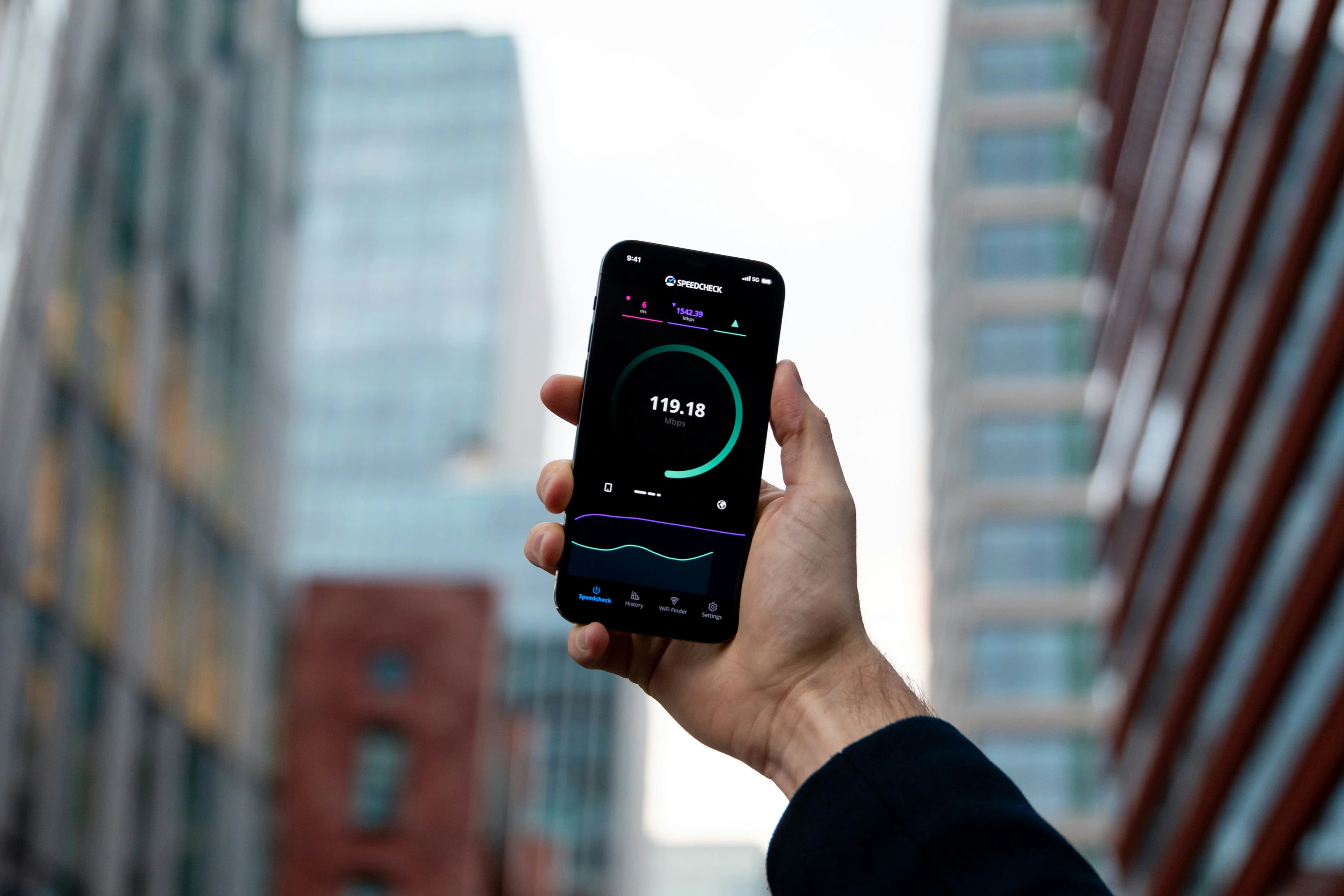
IPTV Speed Requirements: The Simple Answer
For general IPTV viewing, a stable broadband connection is more important than chasing the highest number on a speed test. As a simple rule, lower-quality streams need less speed, HD needs more, and 4K needs the strongest connection.
For casual live TV, a moderate connection may be enough. For sports and 4K IPTV, you should aim for a stronger connection with low instability. If your internet speed jumps from fast to slow every few seconds, IPTV may buffer even if your speed test sometimes looks good.
Why Stability Matters More Than Maximum Speed
Many users test their internet and see a high number, then wonder why IPTV still freezes. The reason is that streaming depends on consistency. A connection that reaches high speeds for a few seconds but drops repeatedly can perform worse than a slower connection that stays stable.
Live TV and live sports are especially sensitive. A movie can sometimes buffer a little ahead, but live sport has less room for delay. If you watch football, racing, boxing, or tennis, your network stability matters as much as raw speed. You can learn more in our guide to Best IPTV UK for Sports.
Recommended Speeds by Quality
For SD or basic streams, lighter internet may be acceptable. For HD IPTV, most users should aim for a stable broadband connection with enough bandwidth left over for other devices. For Full HD and 4K IPTV, stronger speeds and better Wi-Fi are recommended.
If your household has several phones, laptops, consoles, cameras, and smart devices connected, your IPTV device does not get the full connection by itself. A speed that works for one person may struggle when the whole family is online.
4K IPTV Needs More Than Speed
4K IPTV can look excellent on a large television, but it needs the right setup. You need a 4K-capable TV, a device that supports 4K, a compatible IPTV app, a stream available in 4K, and a stable connection. If one part of that chain is weak, the experience can drop to HD or buffer.
Before choosing a 4K-focused plan, read our Complete Guide to 4K IPTV. It explains how device performance, TV settings, and stream quality all affect the final picture.
Wi-Fi vs Ethernet for IPTV
Wi-Fi is convenient, but Ethernet is usually more stable. If your Firestick, Android TV box, or Smart TV supports Ethernet through an adapter or direct port, it can reduce buffering and improve reliability. This is especially useful for live sports and 4K streams.
If you use Wi-Fi, 5 GHz is often better than 2.4 GHz when you are close to the router. However, 2.4 GHz may travel further through walls. The best option depends on your home layout. If your router is downstairs and your TV is upstairs, test both networks and choose the one with the most stable playback.
How to Test Your IPTV Connection Properly
Do not test your internet only once in the morning. Test it at the time you normally watch TV. Evening speeds can be different because more people are online. Test near the streaming device, not only next to the router.
Also test other apps. If YouTube, Netflix, or normal browsing are slow, the issue is likely your network. If only one IPTV channel buffers, the issue may be the stream source or provider. Our IPTV Troubleshooting Guide gives a step-by-step checklist.
Router Placement Tips
Router placement can make a big difference. Avoid hiding your router inside a cupboard or behind thick furniture. Keep it away from microwaves, large metal objects, and crowded corners. Place it in a central position where possible.
If your home has thick walls, a mesh Wi-Fi system may help. For one important TV, an Ethernet cable or powerline adapter can sometimes be more reliable than trying to improve Wi-Fi everywhere.
Reduce Background Usage
IPTV can suffer when other devices are using large amounts of bandwidth. Game downloads, cloud backups, video calls, and multiple 4K streams can all affect performance. If IPTV buffers during a live match, check whether someone else is downloading large files or streaming on another device.
Some routers support Quality of Service settings, which can prioritize streaming devices. This can help, but the settings vary depending on the router model.
Device Performance Also Matters
Internet is not always the problem. An old Smart TV, full Firestick storage, outdated app, or overloaded device can create freezing even with good broadband. Keep your IPTV app updated, clear cache occasionally, and remove unused apps.
If you use Firestick, our How to Set Up IPTV on Firestick guide includes device preparation tips.
Want a smoother IPTV UK experience? Compare available options on our Pricing page and choose a plan that matches your device, picture quality, and viewing habits.
Final Thoughts
The best internet speed for IPTV depends on picture quality, live content, household usage, and device performance. For HD, a stable connection is usually enough. For 4K and live sports, you need stronger speed, better Wi-Fi, and a device that can handle the stream properly.
Do not focus only on speed test numbers. Focus on stability, router placement, device health, and whether buffering happens on all apps or only one channel. A well-optimized home network can make IPTV feel faster, smoother, and more reliable.
Frequently Asked Questions
What internet speed is best for IPTV?
It depends on quality. HD needs a stable broadband connection, while 4K needs a stronger and more consistent connection.
Why does IPTV buffer even when my speed test is fast?
Your connection may be unstable, your Wi-Fi may be weak near the TV, or your device/app may be overloaded.
Is Ethernet better than Wi-Fi for IPTV?
Yes, Ethernet is usually more stable and is recommended for live sports and 4K where possible.
Does 4K IPTV need a 4K device?
Yes. You need a 4K-capable TV, device, compatible app, and 4K stream availability.
What should I read next?
Read IPTV Troubleshooting Guide, Complete Guide to 4K IPTV, and Best IPTV UK for Sports.