Important: IPTV simply means television delivered over an internet connection. Always choose services and apps that respect copyright, licensing rules, and the terms of the content providers you use.
Best IPTV Apps for Smart TV: What UK Users Should Know
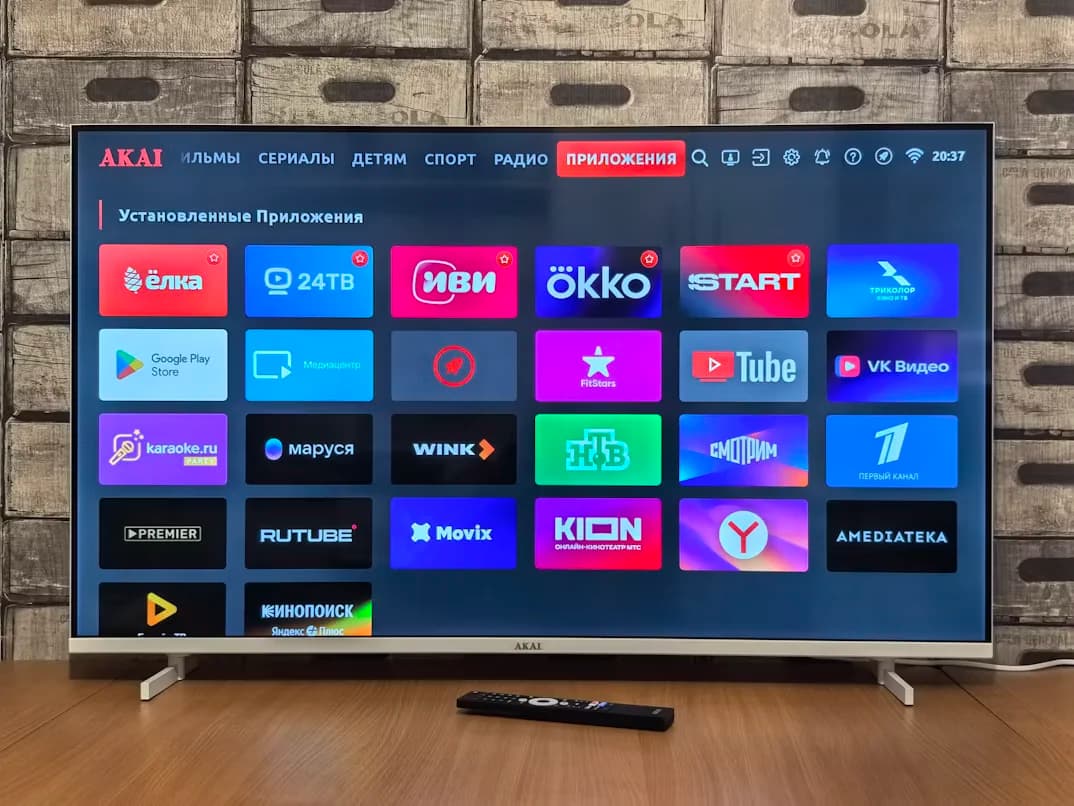
Smart TVs are becoming more powerful every year. Many UK viewers now prefer to watch streaming content directly on their TV without using extra boxes or sticks. IPTV apps can make this possible by giving users an interface to load legitimate IPTV subscription details, browse channels, use programme guides, and organize favourites.
This guide explains what to look for in a Smart TV IPTV app and how to avoid common problems.
IPTV App vs IPTV Service
An IPTV app is a player. It usually does not provide channels by itself. The IPTV service provides access details such as login credentials, playlist URL, or portal information. The app displays the content and gives you navigation tools.
Understanding this difference prevents confusion. If an app installs successfully but shows no channels, you may need to add your provider details.
Compatibility Comes First
Not every Smart TV supports every IPTV app. Samsung, LG, Android TV, Google TV, and other platforms have different app stores and limitations. Before choosing a service, check whether your TV model supports the recommended player.
If your Smart TV does not support the app you want, you can use a Firestick or Android TV device instead. Our Firestick IPTV setup guide covers that option.
Look for EPG Support
An electronic programme guide makes live TV easier to use. Without EPG, users may see only channel names and have to guess what is playing. A good IPTV app should display guide data clearly when provided by the service.
For UK viewers, EPG quality can make a major difference because it helps organize sports, movies, entertainment, news, and kids channels.
Favourites and Search
Smart TV remotes are not always ideal for scrolling through long lists. Favourites and search are essential. Save your most-watched channels and test the search feature early.
An app with poor search can feel frustrating even if the service itself has good content.
Interface and Readability
A Smart TV app should be easy to read from the sofa. Text should be clear, categories should be large enough, and navigation should not require too many clicks. A beautiful mobile-style interface is not always good on a television screen.
Look for clean menus, clear categories, and fast response to remote control actions.
Performance and Stability
Some Smart TVs have limited processing power, especially older models. Heavy apps can feel slow or crash. If your TV struggles, try clearing cache, restarting the TV, updating the app, or reducing background processes.
If problems continue, an external device like Firestick 4K or Android TV may offer smoother performance.
Playlist and Login Methods
Different IPTV services use different login methods. Some apps support M3U playlists, while others support Xtream Codes-style login or portal URLs. Make sure your app supports the method provided by your IPTV service.
Always enter details carefully. A small mistake in a URL, username, or password can prevent channels from loading.
Smart TV vs Firestick
Smart TV apps are convenient because you do not need extra hardware. Firestick can be better if you want more app flexibility, easier updates, or a faster interface on older TVs.
If you are comparing options, think about convenience vs performance. A modern Smart TV may work perfectly. An older TV may benefit from an external streaming device.
Troubleshooting Smart TV IPTV Apps
Common problems include app freezing, channels not loading, missing EPG, audio delay, or buffering. Start by restarting the TV and router. Then check app updates, login details, and internet connection.
For more help, read our IPTV Troubleshooting Guide.
Ready to compare plans? Explore our IPTV UK pricing to find a package built for live TV, sports, movies, and everyday entertainment.
Final Thoughts
The best IPTV app for Smart TV is the one that works reliably on your specific television, supports your provider’s login method, displays EPG clearly, and makes channels easy to find.
Do not choose an app only because it looks popular. Choose one that supports your device, is easy to navigate, and performs smoothly during real viewing.
Frequently Asked Questions
Do Smart TV IPTV apps include channels?
Usually no. The app is a player. You need service details from an IPTV provider.
Why is my IPTV app slow on Smart TV?
Older TVs may have limited performance. Restarting, updating, or using an external device can help.
Is Firestick better than Smart TV for IPTV?
It depends. Firestick can be more flexible, while Smart TV apps are convenient.
What features should I look for?
EPG, favourites, search, playlist support, clear interface, and stable playback.
What should I read next?
Read Top 15 Must-Have IPTV Features and IPTV Troubleshooting Guide.