
Important: IPTV is a technology for delivering television through an internet connection. Always use legitimate apps, services, and content sources that respect copyright, licensing rules, and platform terms.
IPTV on LG Smart TV: Beginner Setup Guide for UK Viewers
Why LG Smart TV can work well for IPTV
LG Smart TVs are known for strong picture quality, modern design, and easy streaming access. If you want IPTV directly on an LG TV, the setup can be simple when the right app is available and your service supports it. However, app compatibility, TV age, internet quality, and device performance all affect the final experience.
Understand the app and service difference
IPTV delivers television through an internet connection. On LG Smart TV, users usually need an IPTV player app plus account details from a provider. The app is the interface. The provider supplies the access details. Installing an app alone does not create a full IPTV service. You need compatible login details and a service that works with the app.
Check the LG Content Store
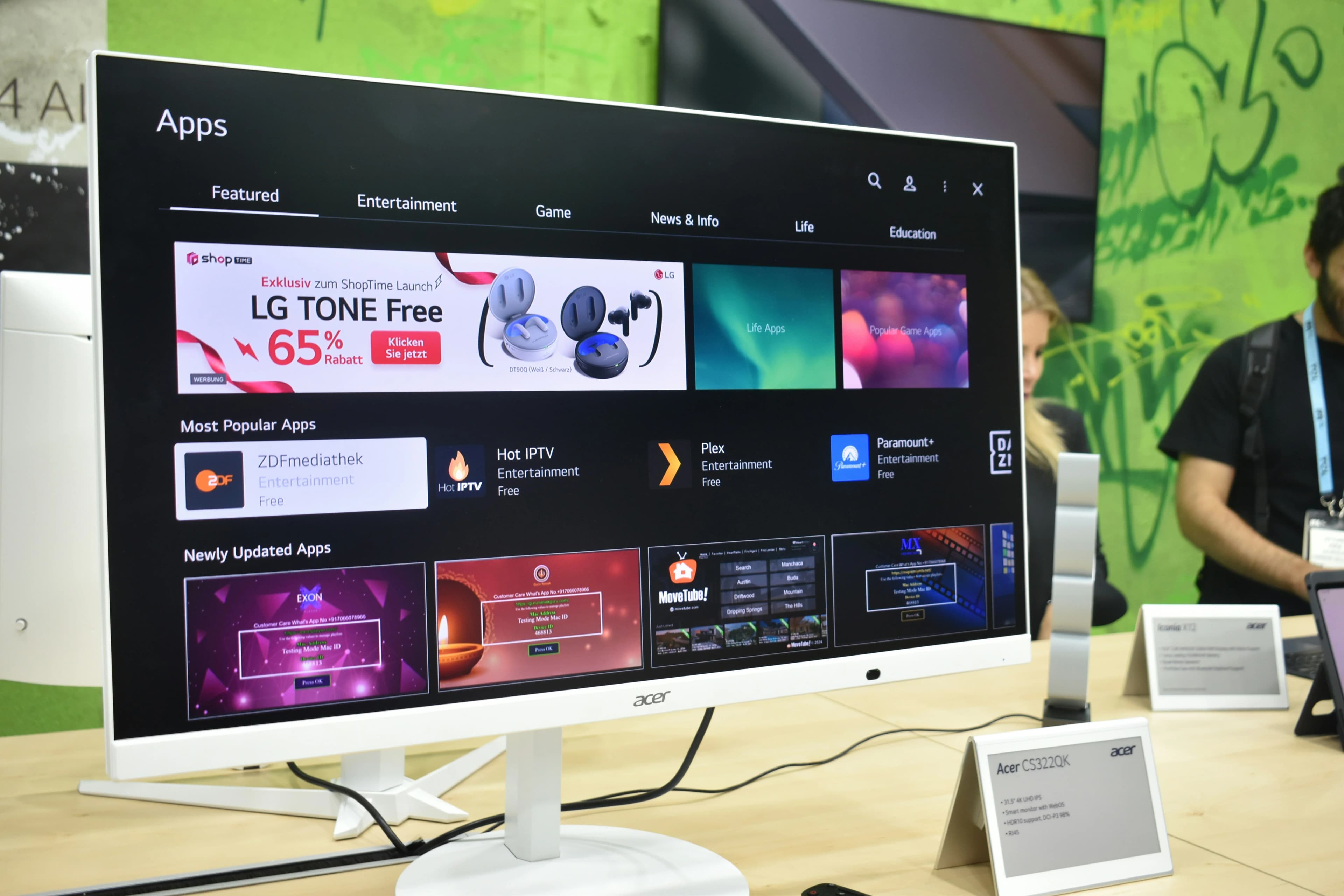
LG TVs use webOS, and app availability depends on model, region, and software version. Open the LG Content Store and search for IPTV-compatible player apps. Before subscribing to a service, confirm that the app supports the login method you will receive. For more detail, read Best IPTV Apps for Smart TV.
Update before setup
Before setup, update your LG TV software and restart the TV. Updates can improve performance, app compatibility, and security. If the TV is old or slow, remove unused apps and clear available storage where possible. Smart TVs are convenient, but older models can struggle with large playlists or heavy EPG data.
Use favourites and EPG
LG TV remotes can make long scrolling uncomfortable. Favourites solve this problem. Save your most-watched channels: sports, news, entertainment, movies, kids, documentaries, or regional channels. EPG helps you see what is on now and what is coming next. If the guide is consistently wrong by one hour, read the IPTV EPG Guide.
Internet and picture quality
LG TVs can display excellent HD and 4K picture quality, but IPTV depends on the stream and connection. If possible, use Ethernet for stable performance. If using Wi-Fi, test the connection near the TV. For 4K, read What Internet Speed Do You Need for IPTV? and Complete Guide to 4K IPTV.
When an external device is better
If your LG TV does not support the app you want, or if the app is slow, an external device may be better. Firestick and Android TV devices often provide more app options and easier updates. Using the TV directly is convenient, but performance matters more.
Want a cleaner IPTV UK setup? Visit our Pricing page to compare plans and choose an option that fits your device, picture quality, and viewing habits.
Final Thoughts
IPTV on LG Smart TV is a useful topic for UK viewers because it answers a real setup or viewing question. The best IPTV experience comes from combining a reliable service, compatible apps, stable internet, clear organization, and realistic expectations. Use the related guides below to build a complete setup rather than relying on one article alone.
Frequently Asked Questions
Is this available on every IPTV service?
No. Availability depends on the IPTV app, service, device, and plan.
Does device choice matter?
Yes. Smart TV, Firestick, Android TV, mobile, and tablet apps can support different features and performance levels.
What causes buffering or freezing?
Common causes include weak Wi-Fi, unstable internet, old apps, overloaded devices, or provider-side issues.
Should I prioritize the cheapest plan?
Not always. Reliability, support, device compatibility, and clear setup instructions often matter more.
What should I read next?
Read Best Iptv Apps For Smart Tv, Iptv On Samsung Smart Tv Guide, and What Internet Speed Do You Need For Iptv.