
Important: IPTV is a technology for delivering television through an internet connection. Always use legitimate apps, services, and content sources that respect copyright, licensing rules, and platform terms.
IPTV Recording and Catch-Up TV: What UK Viewers Should Know
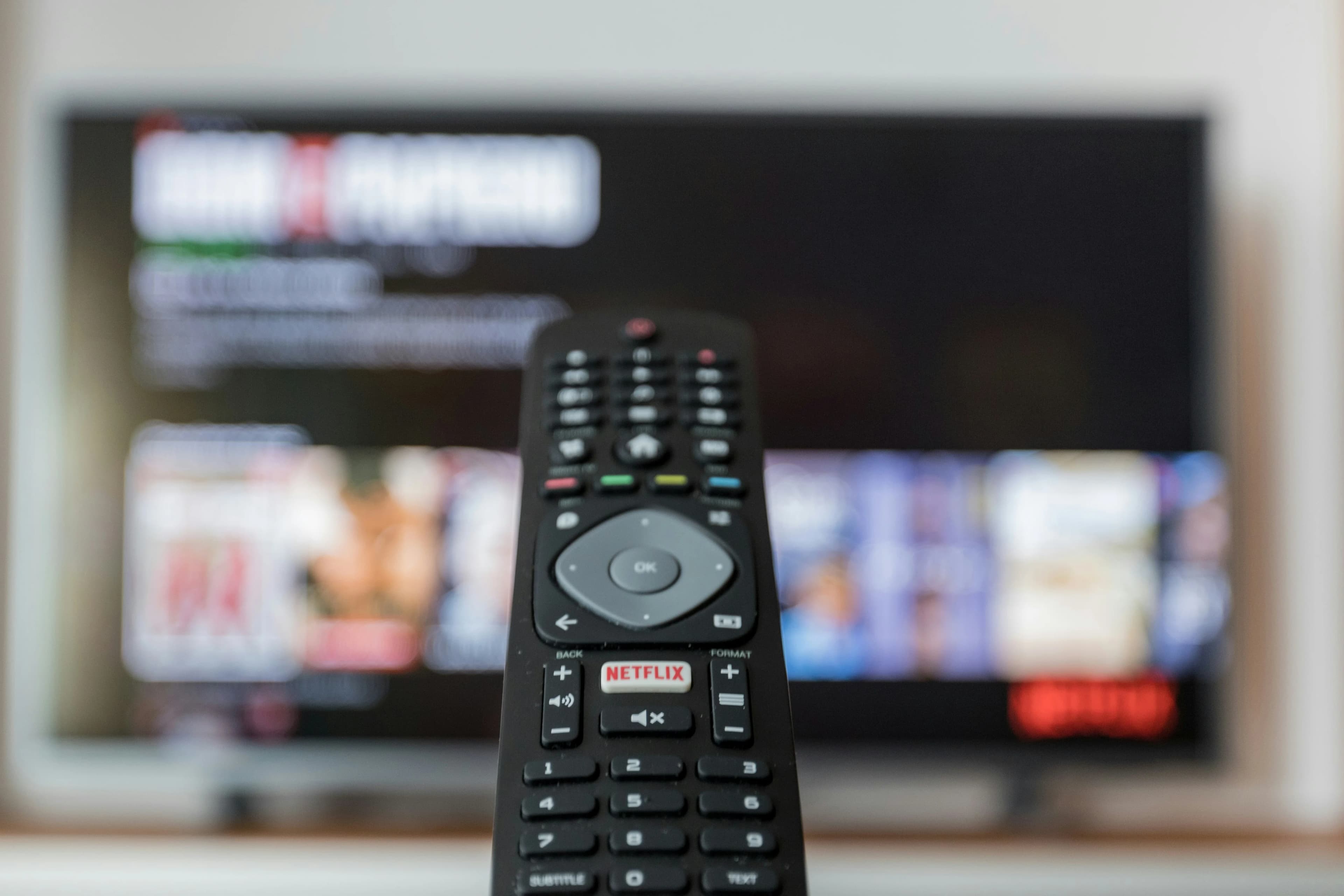
Recording vs catch-up TV
Many IPTV users ask whether they can record programmes or watch shows after they air. The answer depends on the app, service, device, content rights, and features available in your plan. Recording usually means saving content so it can be watched later. Catch-up TV usually means the service allows access to recently aired programmes for a limited period.
Why catch-up is useful
Catch-up TV is useful for viewers who miss a live show, sports programme, news segment, or entertainment broadcast. Instead of waiting for a repeat, users may be able to open the EPG and go back to previously aired content. This can make IPTV feel more flexible than traditional live-only viewing.
EPG is important
EPG is central to catch-up. If the guide is accurate, users can browse past programmes and select what they missed. If the guide is missing or wrong, catch-up may be hard to use. Read our IPTV EPG Guide to understand how guide data works.
Recording depends on device and app
Recording features are more device-dependent. Some IPTV players may support local recording, but this can require storage space, app permission, and device capability. A Smart TV may not offer the same recording flexibility as an Android TV box or other device.
Storage limits matter
Video files can be large, especially in HD or 4K. If your device has limited storage, recording may fill it quickly. Firestick and many Smart TVs are not designed as large recording devices. If recording is important, check requirements carefully.
What to check before choosing
Ask practical questions. Does the service support catch-up? For how many days? Which categories support it? Does the app show replay through the EPG? Does recording work on your device? Are there account limitations? Read Top 15 Must-Have IPTV Features.
Troubleshooting catch-up problems
If catch-up or recording does not work, restart the app, check for updates, refresh EPG, confirm time settings, and test another channel. If only one channel fails, the issue may be channel-specific. If every replay option fails, the service or app configuration may need support.
Want a cleaner IPTV UK setup? Visit our Pricing page to compare plans and choose an option that fits your device, picture quality, and viewing habits.
Final Thoughts
IPTV Recording and Catch-Up TV is a useful topic for UK viewers because it answers a real setup or viewing question. The best IPTV experience comes from combining a reliable service, compatible apps, stable internet, clear organization, and realistic expectations. Use the related guides below to build a complete setup rather than relying on one article alone.
Frequently Asked Questions
Is this available on every IPTV service?
No. Availability depends on the IPTV app, service, device, and plan.
Does device choice matter?
Yes. Smart TV, Firestick, Android TV, mobile, and tablet apps can support different features and performance levels.
What causes buffering or freezing?
Common causes include weak Wi-Fi, unstable internet, old apps, overloaded devices, or provider-side issues.
Should I prioritize the cheapest plan?
Not always. Reliability, support, device compatibility, and clear setup instructions often matter more.
What should I read next?
Read Iptv Epg Guide, Top 15 Must Have Iptv Features, and Iptv Channels And Categories Guide.