
Important: IPTV is a technology for delivering television through an internet connection. Always use legitimate apps, services, and content sources that respect copyright, licensing rules, and platform terms.
IPTV Channels and Categories: How to Organize Live TV, Sports and Movies
One reason IPTV is popular is that it can bring many types of content into one interface. But a large channel list can quickly become confusing if it is not organized properly. The best IPTV experience is not only about how many channels exist. It is about how easily users can find what they want.
This guide explains how IPTV channels and categories work, how to organize favourites, and how to make live TV, sports, movies, news, kids content, and entertainment easier to browse.
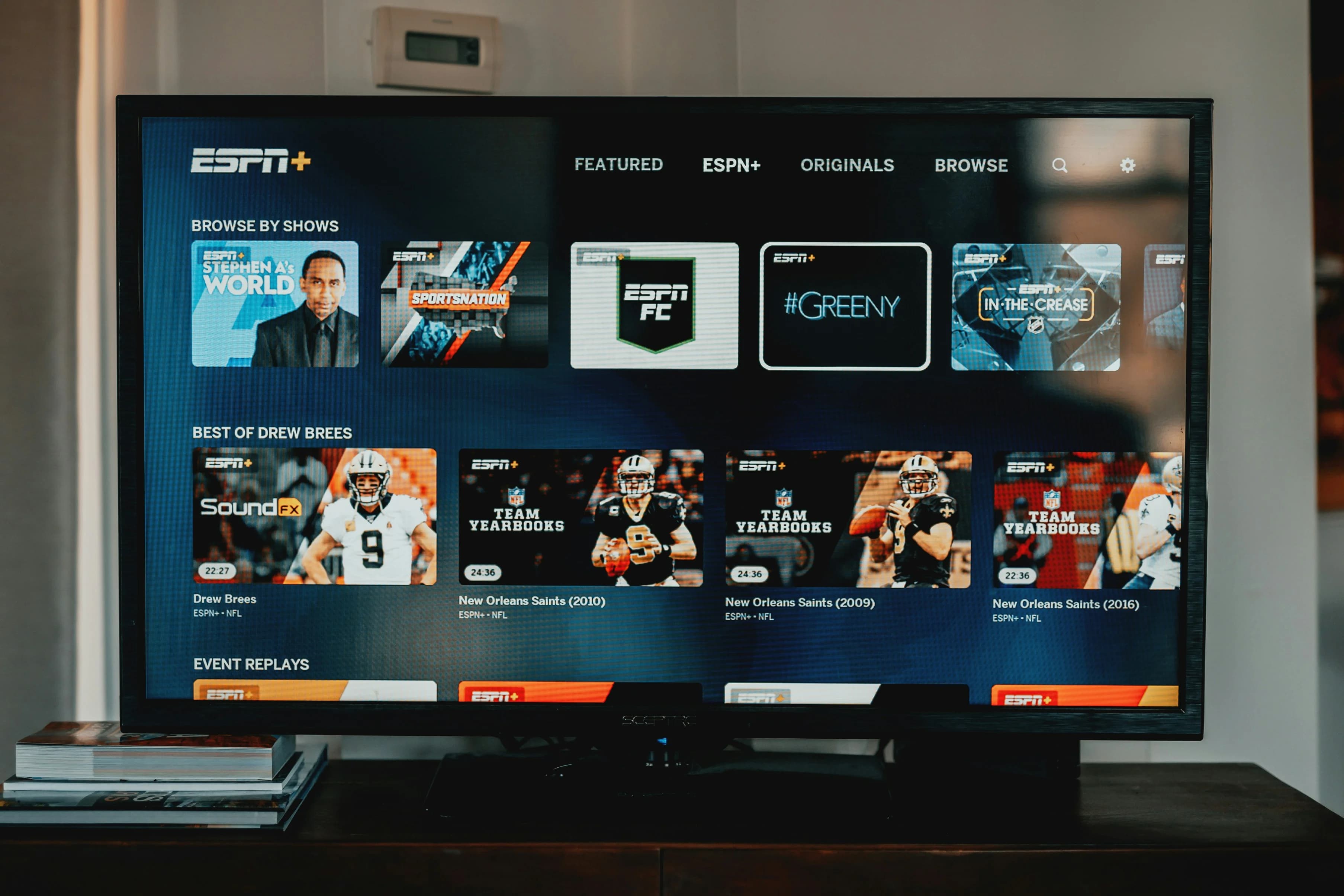
Why Organization Matters
A messy IPTV setup can make a strong service feel poor. If users must scroll through hundreds or thousands of channels every time they want to watch something, the experience becomes frustrating.
Good organization improves speed, comfort, and satisfaction. It also helps families, sports fans, and casual viewers use the same service more easily.
Common IPTV Categories
Most IPTV services organize content into groups. Common categories include live TV, sports, movies, entertainment, news, kids, documentaries, music, regional channels, and international channels.
The exact categories depend on the service and app. Some apps allow you to hide, reorder, or rename groups. If your player supports this, take time to customize it.
Favourites Are Essential
Favourites are one of the most useful IPTV features. Instead of browsing the full list every day, save your most-watched channels in one place. This is especially helpful for sports channels, news, family channels, and movie channels.
A good favourites list can make IPTV feel simple and premium. It also reduces the chance of opening irrelevant categories.
Organizing Sports Channels
Sports viewers should create a dedicated sports favourites group where possible. Include channels you watch regularly and any event channels you use often. During live matches, speed matters. You do not want to search through a long list when a game is starting.
For more advice, read Best IPTV UK for Sports.
Organizing Movies and Entertainment
Movie and entertainment channels can be grouped by language, genre, or viewing habit. If your app supports search, use it for specific titles or channels. If it supports EPG, use guide data to see what is currently playing.
For large screens and movie nights, picture quality matters. Our Complete Guide to 4K IPTV explains what affects HD and 4K viewing.
Kids and Family Categories
If children use the IPTV setup, create a family-friendly favourites list and lock or hide categories that are not suitable. Organization is part of safe viewing.
Read IPTV Parental Controls for a complete family setup guide.
Use EPG to Browse Smarter
EPG stands for Electronic Programme Guide. It shows schedules and current programmes. A good EPG makes channels easier to browse because users can decide what to watch before opening each channel.
If your guide is missing or wrong, read our IPTV EPG Guide.
Hide Categories You Never Use
If your IPTV app allows category hiding, remove groups you never watch. This makes the interface cleaner and faster. It can also improve usability for older family members or children who prefer simple navigation.
Do not be afraid to simplify. A smaller, cleaner menu is often better than having every category visible.
Keep Names and Logos Clean
Channel logos and names help users recognize content faster. If your app supports logos, let them load fully. If logos are missing, refresh the playlist or EPG. Some apps display logos better than others.
A visually clear interface improves the feeling of quality.
Review Your Setup Monthly
Viewing habits change. You may add new sports channels during a season, remove unused movie channels, or update kids favourites. Review your favourites and categories every month so the setup stays useful.
This habit is simple but powerful. It keeps IPTV organized instead of letting it become messy over time.
Want a cleaner IPTV UK setup? Visit our Pricing page to compare plans and choose an option that fits your device, picture quality, and viewing habits.
Final Thoughts
IPTV channels and categories are only useful when they are easy to navigate. A well-organized setup saves time, reduces frustration, and makes the service feel more professional.
Use favourites, hide unused categories, rely on EPG where available, and organize content around your real viewing habits. The result is a cleaner IPTV experience for live TV, sports, movies, and family entertainment.
Frequently Asked Questions
What are IPTV categories?
They are groups that organize channels by type, such as sports, movies, news, entertainment, kids, or international content.
Why should I use favourites?
Favourites help you access your most-watched channels quickly without scrolling through the full list.
Can I hide IPTV categories?
Some IPTV apps allow category hiding or reordering. This depends on the player.
What is the best way to organize sports channels?
Create a sports favourites list and keep match-day channels easy to access.
What should I read next?
Read IPTV EPG Guide, Best IPTV UK for Sports, and IPTV Parental Controls.