
Important: IPTV is a technology for delivering television through an internet connection. Always use legitimate apps, services, and content sources that respect copyright, licensing rules, and platform terms.
IPTV Parental Controls: A Family-Friendly Guide for UK Homes
IPTV can be convenient for families because it brings live TV, movies, entertainment, sports, documentaries, and kids content into one flexible interface. But when a household includes children, the setup should be organized carefully. Parents often want easy access to family channels while reducing the chance that younger viewers open unsuitable categories or content by accident.
This guide explains how UK households can create a safer and more family-friendly IPTV setup using parental controls, device settings, app locks, favourites, profiles, and simple viewing rules.
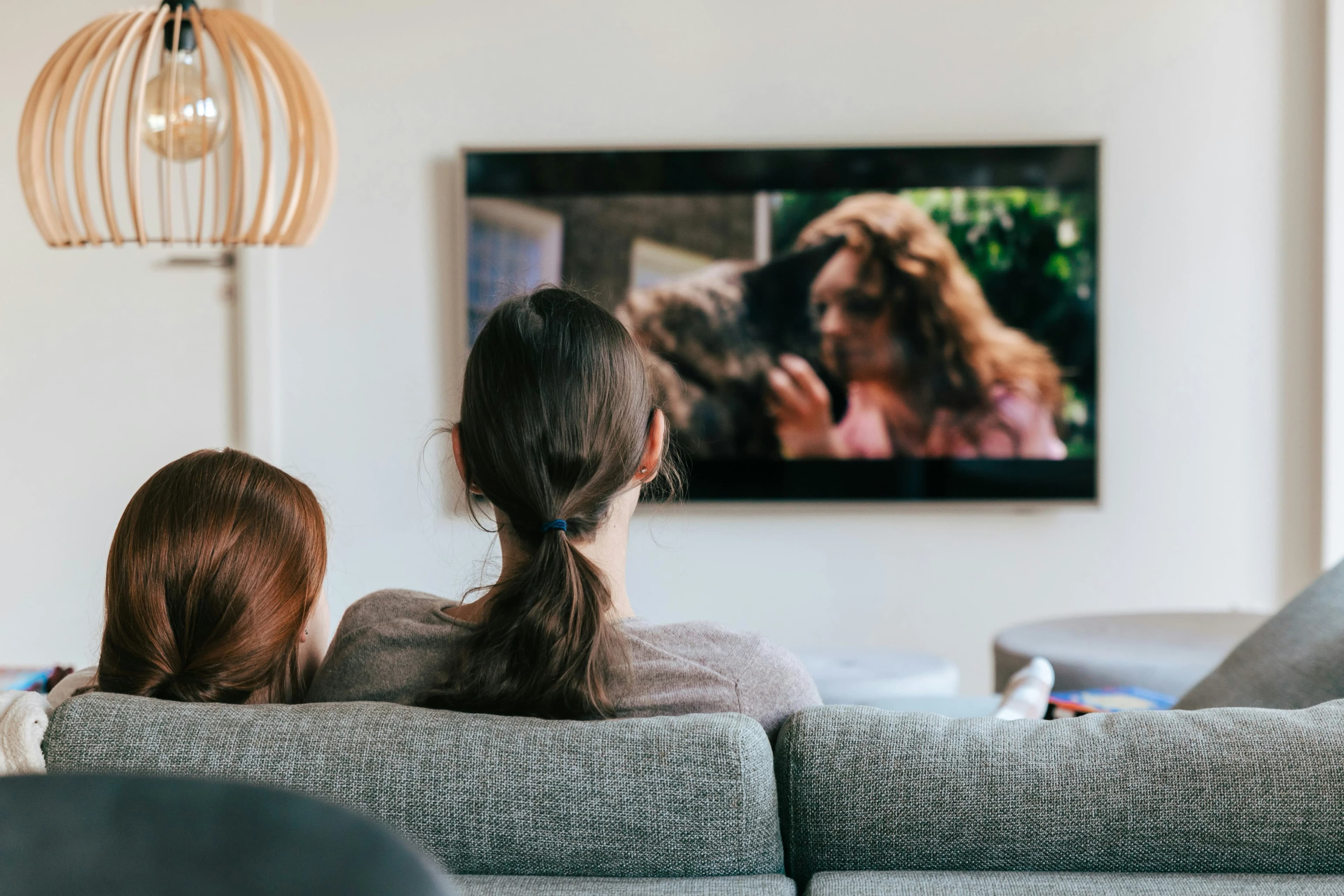
Why Parental Controls Matter in IPTV
A large IPTV library can include many categories. That flexibility is useful, but it can also create confusion if everything appears in one long list. Kids may scroll into categories that are not intended for them, or users may accidentally open content that does not match the family’s preferences.
Parental controls help organize the experience. They do not replace parental supervision, but they can make the app easier to manage and reduce accidental access.
Start With the IPTV Player Settings
The first place to check is the IPTV player app. Some players include parental control options such as PIN protection, hidden categories, locked groups, or adult-content filters. The exact features depend on the app.
If your player supports category locks, use them. Set a PIN that children cannot guess. Avoid simple numbers such as 0000, 1234, or birthdays. A strong PIN is one of the easiest ways to protect sensitive categories.
Use Device-Level Controls
Many devices also include parental controls. Firestick, Android TV, Smart TVs, tablets, and mobile phones may allow app restrictions, purchase controls, screen time rules, or profile settings. Device-level controls are useful because they work outside the IPTV app as well.
If you use IPTV on a Smart TV, read our Best IPTV Apps for Smart TV guide to understand app features and device limitations. If you use Android TV, our IPTV for Android TV Guide can help you prepare the device.
Build a Family Favourites List
Favourites are not only for convenience. They can also make IPTV safer and easier for children. Add trusted kids channels, family entertainment, documentaries, and educational content to a favourites list. Then teach younger viewers to use only that section.
A favourites-first setup reduces the need to browse the full channel list. This is useful when the service includes many international or adult-oriented categories that are not relevant to the household.
Hide or Reorder Categories
If your app allows category management, hide categories you do not need. Some players let you reorder groups so family-friendly categories appear first. This creates a cleaner interface and improves the overall user experience.
Good organization is one of the most underrated IPTV features. You can read more in Top 15 Must-Have IPTV Features.
Create Simple Household Rules
Technology helps, but clear rules are still important. For example, decide which devices children can use, what times they can watch, and whether they need permission to open new categories. Keep the rules simple and consistent.
If IPTV is used in a shared living room, keep the remote in a common area and avoid saving passwords where children can access them.
Check EPG and Channel Names
The Electronic Programme Guide can help parents see what is playing before opening a channel. If your EPG is accurate, it becomes easier to choose appropriate content. If EPG data is missing or wrong, parents may need to check channels manually.
Learn more in our IPTV EPG Guide.
Avoid Unknown Apps
Do not install random IPTV apps from unknown sources, especially on family devices. Unknown apps may be unstable, contain intrusive ads, request unnecessary permissions, or create security risks.
Use trusted app stores where possible and keep apps updated. A safe family setup should be clean, simple, and easy to maintain.
Review the Setup Regularly
Family needs change over time. A setup that works today may need changes later. Review favourites, locked categories, app settings, and device controls every few months.
Also update apps and devices regularly. Updates can improve security, stability, and compatibility.
Want a cleaner IPTV UK setup? Visit our Pricing page to compare plans and choose an option that fits your device, picture quality, and viewing habits.
Final Thoughts
A family-friendly IPTV setup is about more than choosing channels. It requires clear organization, sensible restrictions, safe apps, and responsible use. Parental controls, favourites, hidden categories, and device settings can make IPTV easier and safer for UK households.
The best setup is one that children can use confidently while parents remain in control of what appears on screen.
Frequently Asked Questions
Does IPTV have parental controls?
Some IPTV player apps include PIN locks, hidden categories, or parental control settings. Features vary by app.
Can I hide adult categories in IPTV?
Many apps allow category hiding or locking, but this depends on the player and service setup.
Are device parental controls useful?
Yes. Firestick, Android TV, Smart TVs, tablets, and phones may offer restrictions beyond the IPTV app.
What is the safest setup for children?
Use trusted apps, lock sensitive categories, create a family favourites list, and keep viewing rules clear.
What should I read next?
Read Top 15 Must-Have IPTV Features, Best IPTV Apps for Smart TV, and IPTV EPG Guide.